Where should I start?
Find a suggested TIG starting amperage for your selected pipe setup.


For TIG welders in the field
TIG starting settings, visual pass estimates and practical pipework tools—all in one place.
Opens your email app with a request you can review and send. No automatic signup. Or email info@weldbud.com.
Created by X3M TIG
Web · iOS · Android
Coming soon. Currently in testing.
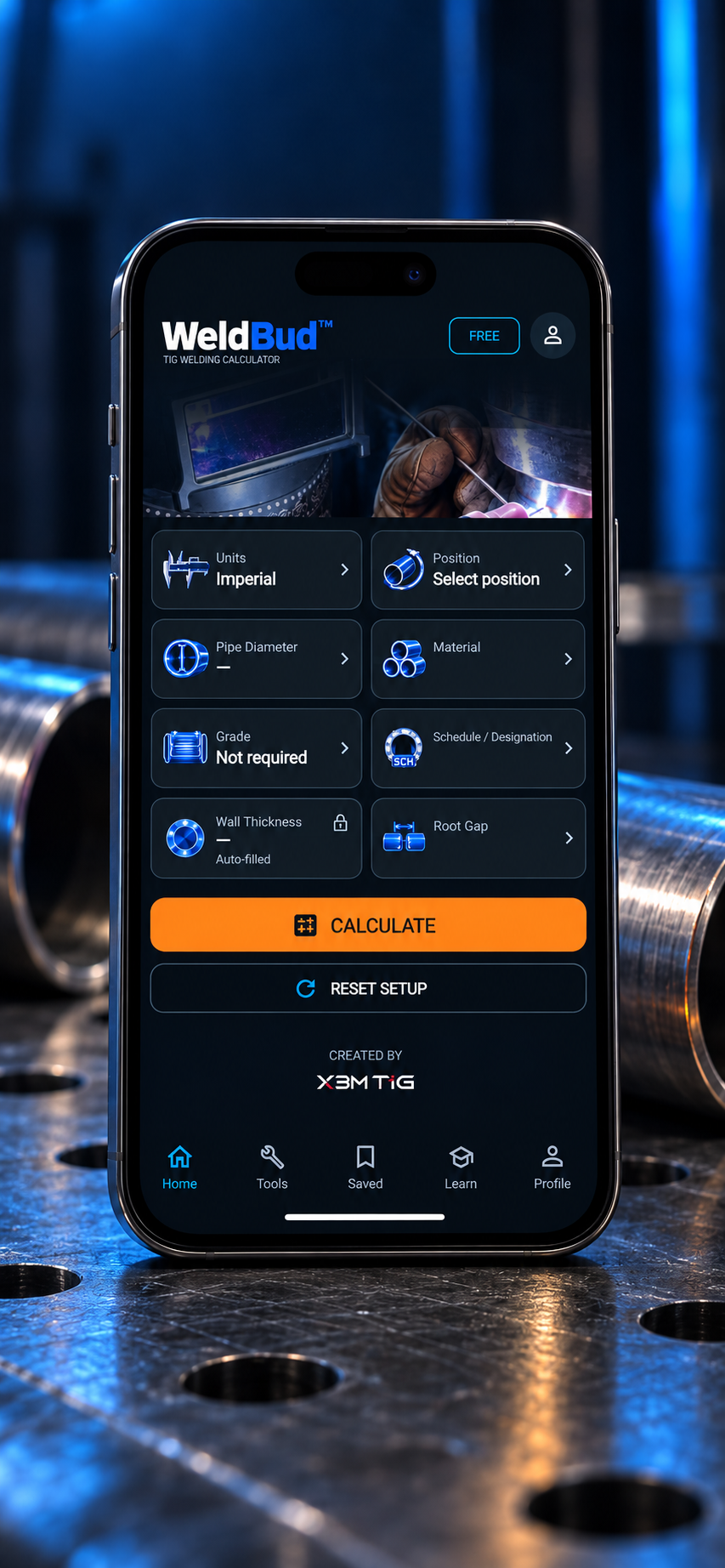
A quicker starting point
Find a suggested TIG starting amperage for your selected pipe setup.
Bring suggested back-purge flow settings into view alongside your setup.
Keep joint-preparation guidance, root gap and pipe details close at hand.
More tools. Less switching.
Alongside TIG setup guidance, WeldBud brings together practical tools for welders and pipefitters in the field.
Use the pipe weight calculator for a quick reference estimate from the pipe details you enter.
Refer to bolt-up sequences while checking the approved bolting procedure for your assembly.
Convert imperial and metric values for a quick reference without switching apps.
Inside WeldBud
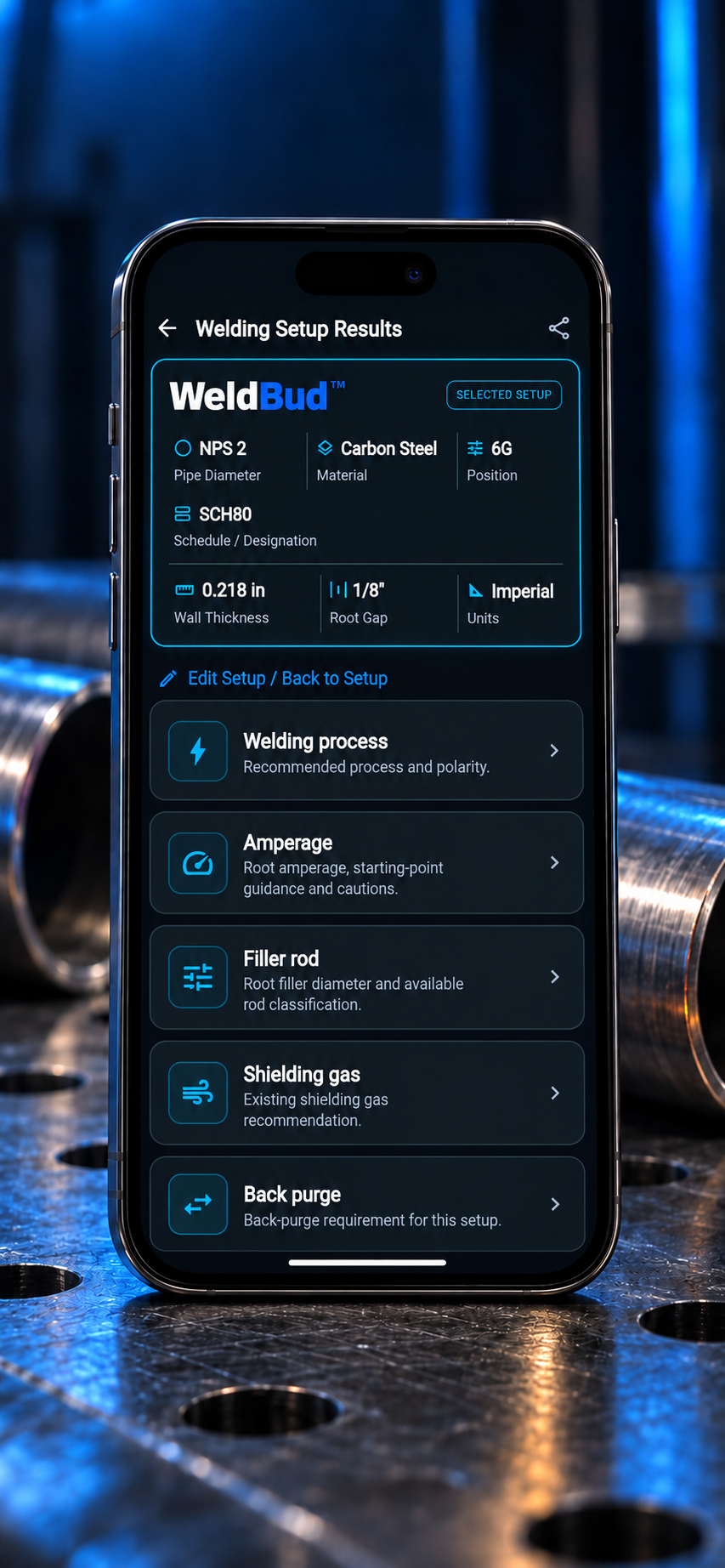
Find suggested starting-point guidance for amperage, filler rod, shielding gas and back purge alongside your selected setup.
View full-size image ↗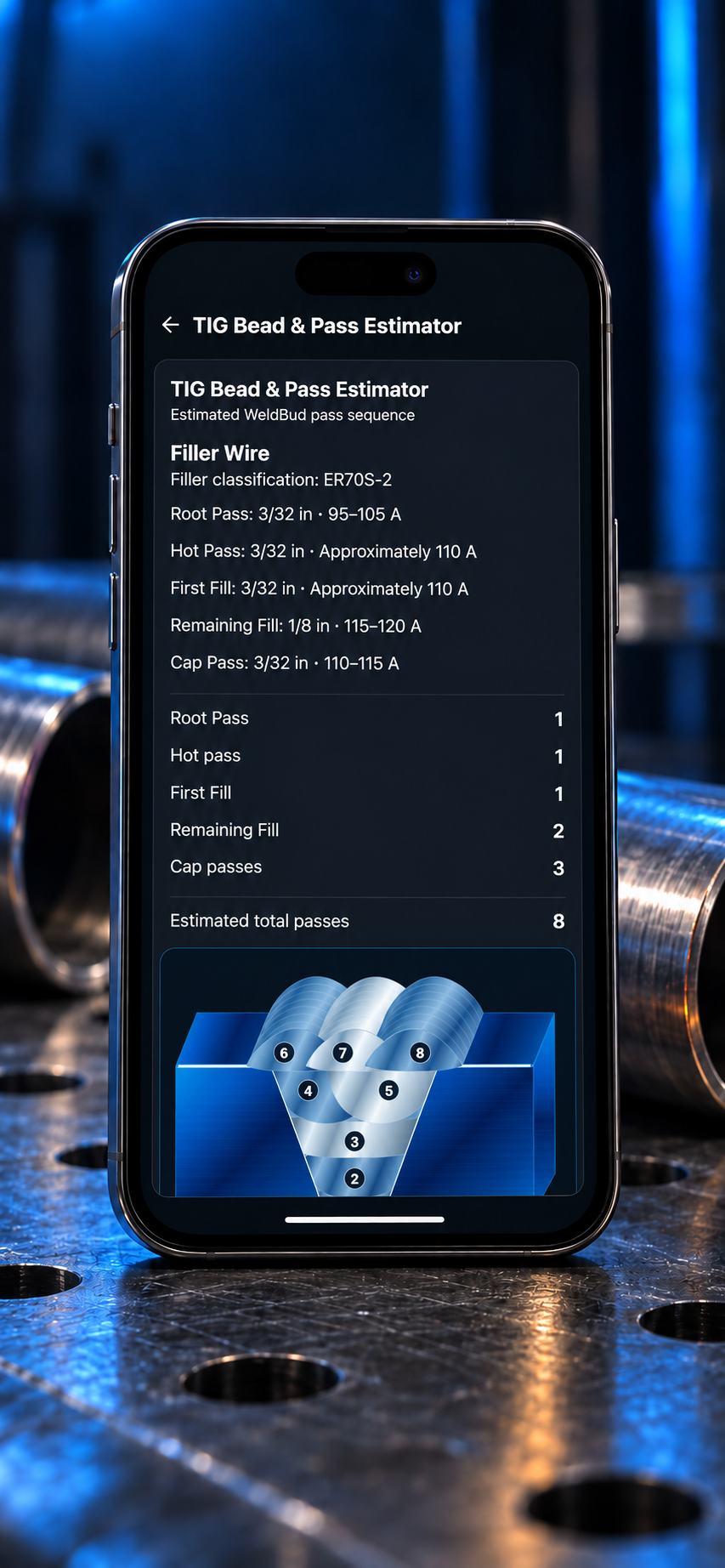
Explore an estimated pass sequence with a visual bead layout.
View full-size image ↗Illustrative app mockups; interface may vary. Displayed values are examples, not settings to use for a different job.
Before we launch
WeldBud is a TIG (GTAW) welding calculator and field-tool app created by X3M TIG. It is being built for pipe welders who want quick access to suggested starting settings, reference calculations and practical pipework tools.
No. WeldBud’s recommended settings are starting-point suggestions, not an approved welding procedure or a guarantee of code compliance. Your approved WPS, applicable codes, project specifications and QC instructions take priority. Resolve any differences before using a suggested setting.
The app brings together suggested TIG starting amperage, back-purge flow settings, joint-preparation guidance and a bead and pass estimator.
WeldBud’s integrated tools include a pipe weight calculator, bolt-up sequence references and an imperial/metric unit converter. The app is still in testing, and final launch details will be confirmed before release.
“Notify me at launch” opens a draft email to info@weldbud.com. You choose whether to send it. This page does not collect your email address or automatically add you to a mailing list. If your email app does not open, send your request to that address yourself.
Not yet. WeldBud is still being tested. We’ll add access and download links here as each version becomes available.
Web, iOS and Android versions are planned. A release date has not been announced.
Yes. Email info@weldbud.com with your questions or feedback.

WeldBud — a TIG welding calculator for welders in the field.
Questions about WeldBud? We’d like to hear from you.